
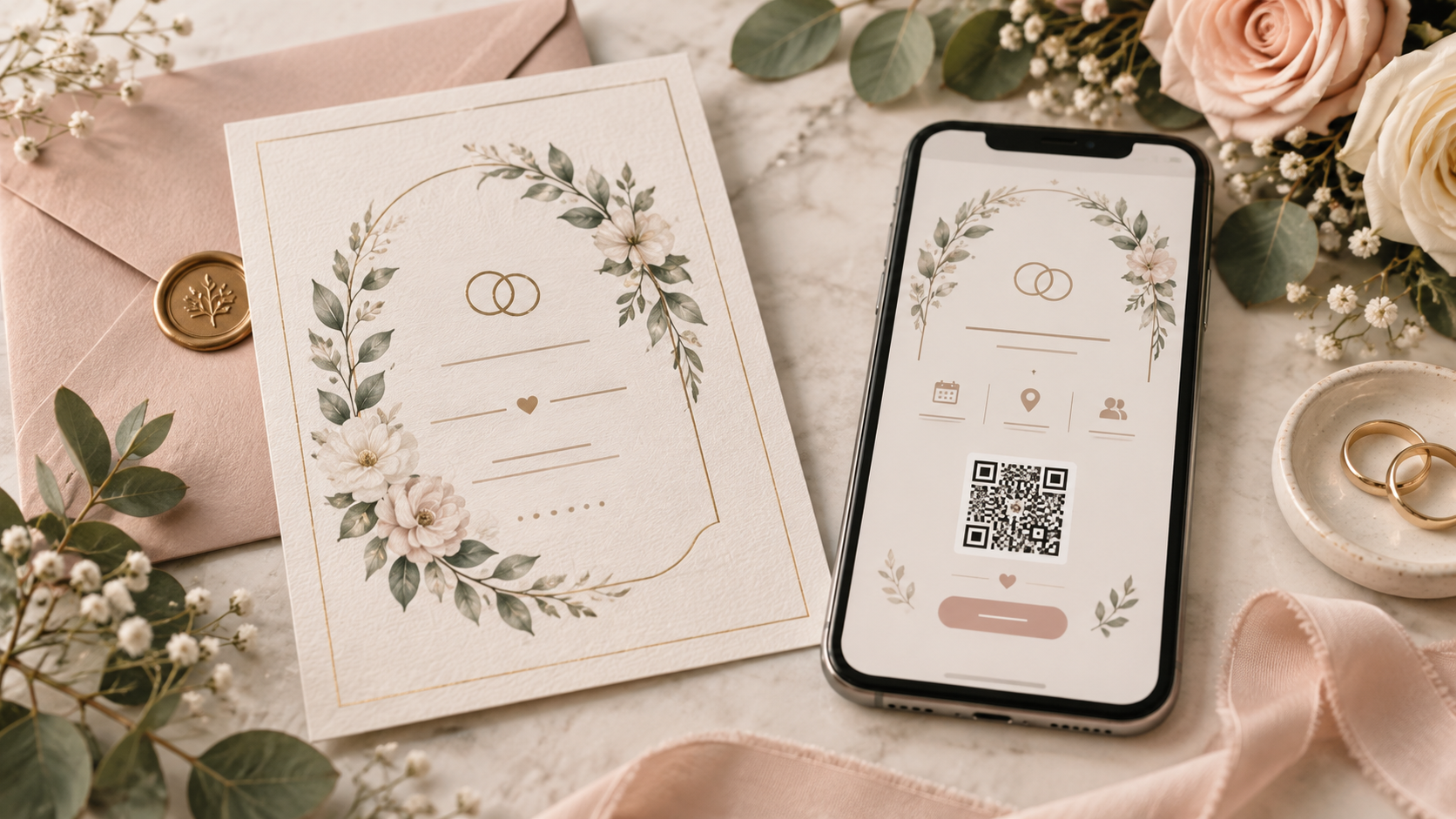
Wedding invitations are no longer a choice between "beautiful paper" and "cheap digital." That framing is outdated.
A modern invitation can be printed on heavyweight stock and still use an online RSVP. A digital invitation can use the exact artwork you commissioned from a stationer. A paper invitation can include a QR code. A couple can email most guests and mail printed invitations to grandparents or relatives who value the physical keepsake.
The real question is not whether digital or paper is more proper. It is which combination gives your guests the clearest, easiest experience while still feeling like your wedding.
For Canadian couples, there is also a practical layer: postal distance, bilingual guest groups, travel, mobile access and the cost of printing and mailing a large suite.
The four main invitation approaches
1. Traditional paper invitation + paper reply card
This is the most traditional workflow.
Guests receive a printed suite, complete a response card and mail it back. The physical experience can be beautiful, but the response process adds postage, handwriting, postal delays and manual data entry.
It still makes sense when:
The physical stationery is an important part of the wedding aesthetic
The guest list strongly prefers mail
You want a formal traditional experience
The guest count is small enough that manual response tracking is manageable
2. Paper invitation + online RSVP
For many couples, this is the best of both worlds.
You mail the invitation but replace the reply envelope with:
A short wedding URL
A QR code
Or both
Guests still receive the paper piece, but responses arrive instantly into a digital guest list.
This removes the slowest part of the traditional system without taking away the invitation itself.
3. Email invitation
Email works especially well when:
You already have reliable guest email addresses
Your wedding is less formal
Guests are spread across Canada or abroad
You want fast delivery and a direct RSVP button
You expect wedding details to change
The downside is visibility. A digital invitation can be missed in a crowded inbox, filtered, or opened and forgotten.
That means delivery tracking and targeted reminders are more valuable than they are with a simple PDF attachment.
4. Text/SMS invitation or RSVP link
Text is useful because it reaches the device guests carry all day.
It is particularly practical for:
Reminders
Younger or mobile-first guest groups
Guests who rarely check personal email
Last-mile sharing of a personalized RSVP link
It is usually better as a deliberate guest-communication channel than as an excuse to send a bare URL with no context.
A good text feels like an invitation:
Hi Alex! We would love to celebrate with you on September 26. Here is your wedding invitation and RSVP link: [link]. Please reply by September 1. — Maya & Rowan
Are digital wedding invitations considered acceptable?
Yes. Etiquette is fundamentally about making the invitation clear and giving guests a reasonable way to respond.
Emily Post's RSVP guidance recognizes response methods beyond a traditional mailed card, including email and phone when those are the methods specified by the host. The format can evolve without losing the basic courtesy of a clear invitation and prompt response.
What matters more than the medium is whether the guest understands:
Who is invited
What the event is
The date and location
Where to find additional details
How and when to RSVP
Paper invitations still have one major advantage: presence
A paper invitation occupies physical space.
It can sit on a fridge, desk or bulletin board. It can become a keepsake. It signals formality in a way a notification often does not.
That emotional value is real and worth preserving if it matters to you.
But a physical invitation does not require a physical response card. Separating those two decisions gives you much more flexibility.
Digital invitations have one major advantage: action
A digital invitation can move the guest directly from "we're invited" to "yes, we're coming" in one tap.
A well-designed flow can let the guest:
Confirm attendance
Select which household members are attending
Name an accompanying guest
Choose a meal
Add dietary restrictions
Respond to multiple wedding events
Review venue and travel details
Update the response later if needed
That is much more useful than collecting a handwritten "2 attending" and then sending three follow-up messages for names and meals.
MapleVow's online RSVP is built around this idea: the response becomes part of the guest record used for reminders, meals and seating.
What about the design?
Digital does not have to mean choosing a generic electronic template.
If you already created an invitation in Canva, commissioned one from a designer or bought a finished design from a stationer, MapleVow lets you upload the finished JPG, PNG or WebP and use that design as the digital invitation.
MapleVow then adds the RSVP and wedding-website actions while preserving the invitation artwork.
That matters because the invitation and RSVP should feel like the same wedding, not two unrelated products.
Paper invitation + QR code: the strongest hybrid for many couples
A small QR code on an insert can connect traditional stationery to a modern response flow.
The guest opens the envelope, sees the physical invitation and scans a clearly labelled code:
Scan to RSVP by September 1
On an iPhone, Apple documents that QR codes can be scanned directly through the Camera app. Similar built-in QR scanning is common on modern smartphones, which is why the experience can be very low-friction for most guests.
Still, always include a short URL as a backup. Accessibility and reliability improve when there is more than one path.
Canada-specific mailing considerations
If you are mailing paper invitations, plan around Canada Post rather than assuming every envelope arrives in two days.
Canada Post currently estimates regular Lettermail delivery at:
2 business days locally
3 business days within a province
4 business days nationally
The day of mailing is excluded, the standards are estimates rather than guarantees, and remote destinations can take longer.
Invitation shape and weight also affect cost. Canada Post currently defines Standard Lettermail as 50 g or less with maximum dimensions of 245 mm × 156 mm × 5 mm.
Non-standard or oversize pieces cost more.
Wax seals, thick ribbon, multiple cards and unusually shaped envelopes can push a suite outside the simplest standard format, so take a fully assembled sample to a post office before buying postage for the whole batch.
Cost: compare the whole workflow, not just the invitation
Paper cost is not only printing.
Depending on your design, it may include:
Invitation printing
Envelopes
Inserts
Addressing
Postage to guests
Reply-card envelopes
Return postage
Reprints for mistakes
Extra postage for non-standard dimensions or weight
Digital cost is not automatically zero either. A good digital system may include platform fees, SMS credits or premium design features.
Compare the total process, not one line item.
Which invitation method is best for older guests?
Do not assume age alone tells you the answer.
Some grandparents scan QR codes daily. Some 30-year-olds ignore personal email for weeks.
A better approach is to use what you know about your actual guest list.
For guests who are uncomfortable with online tools:
Provide a phone number or email fallback
Let a family member help them submit the online response
Manually record their answer in your guest list
Or send a traditional response card to a small subset of guests
A hybrid system does not require every guest to use the same path.
What about bilingual English-French invitations?
Digital delivery can make bilingual communication cleaner.
On paper, two full language versions can make a small invitation feel crowded. Online, guests can be directed to a page that supports English and French without doubling every line of stationery.
A concise bilingual insert may be enough:
RSVP by September 1 / Veuillez répondre avant le 1er septembre
Scan / Scannez
Then let the website handle the longer guest experience.
MapleVow supports wedding pages and RSVP flows in English and Canadian French.
Email vs text: which should you use?
Use email when the invitation itself needs more visual room or longer information.
Use SMS when immediacy matters or as a follow-up channel.
For many weddings, a thoughtful sequence is:
Send the invitation by paper or email.
Let guests respond online.
Send an email or SMS reminder only to people still pending.
Keep updates on the wedding website so details do not become scattered across old messages.
Why a PDF attachment alone is usually weaker
A PDF invitation sent by email looks digital, but it often behaves like paper without the benefits of either format.
The guest opens a file, then has to find another place to RSVP. The couple still has to manually track replies unless there is a separate system.
If you love the PDF design, use the artwork inside an invitation experience that includes a direct RSVP action instead of treating the file itself as the workflow.
Security and privacy basics
A wedding invitation contains personal information: names, relationships, sometimes email addresses and phone numbers, and potentially dietary or accessibility information once guests respond.
Choose a system that treats the guest list as private information, gives you control over what is collected, and does not require guests to create unnecessary accounts.
MapleVow states that guest data is hosted in Canada and that its data practices are designed with PIPEDA in mind. Guests can use direct RSVP links without creating a MapleVow account.
A simple decision guide
Choose paper + paper RSVP if tradition and physical stationery matter most and you are comfortable with manual tracking.
Choose paper + online RSVP if you want beautiful stationery and cleaner guest management.
Choose email invitation + online RSVP if speed, cost and easy updates are the priority.
Choose SMS when the guest group is mobile-first or as a high-visibility reminder channel.
Choose a mixed approach if different guest groups have different needs.
There is no prize for forcing one method on everyone.
Frequently Asked Questions
Can I send wedding invitations by email in Canada?
Yes. There is no etiquette rule requiring wedding invitations to be mailed on paper. Make the message clear, personal and easy to respond to.
Is a QR code enough for an RSVP?
It can be the primary path, but include a short written URL as a backup when possible.
Should I still have a wedding website if I send paper invitations?
Usually, yes. A wedding website is useful for travel, parking, schedule, registry, FAQ and updates that do not fit neatly on the invitation.
Can I use my own invitation design digitally?
Yes. MapleVow supports uploading a finished invitation image and adding RSVP and wedding-website actions around it.
Should every guest receive the invitation the same way?
No. It is perfectly reasonable to mail some invitations and send others digitally, as long as your guest list tracking stays centralized and each guest receives the correct invitation information.
The best invitation is the one that gets the guest from excitement to clarity
Your invitation should still feel special. But it should also work.
For many Canadian couples, the strongest setup is no longer purely paper or purely digital.
It is a coordinated system: a beautiful invitation, a clear RSVP action, one reliable wedding website and a guest list that updates as responses arrive.
MapleVow supports paper-friendly QR sharing, email and SMS links, bilingual pages and a connected wedding RSVP, so you can choose the delivery method that fits each guest without splitting the planning into separate systems.
References
Canada Post — Lettermail delivery standards
https://www.canadapost-postescanada.ca/cpc/en/support/articles/lettermail/delivery-standards.pageCanada Post — Lettermail size requirements
https://www.canadapost-postescanada.ca/cpc/en/support/articles/lettermail/size-requirements.pageCanada Post — Lettermail pricing
Current consumer rates should be rechecked before publication if rates change.
https://www.canadapost-postescanada.ca/cpc/en/support/articles/lettermail/pricing.pageApple Support Canada — Scan a QR code with your iPhone camera
https://support.apple.com/en-ca/guide/iphone/iphe8bda8762/iosEmily Post Institute — Invitation Etiquette
https://emilypost.com/advice/invitation-etiquetteMapleVow — Designed Your Invitation Somewhere Else? Now You Can Use It on MapleVow
https://maplevow.ca/blog/use-your-own-invitation-designMapleVow — Wedding RSVP Canada
https://maplevow.ca/wedding-rsvp-canada