
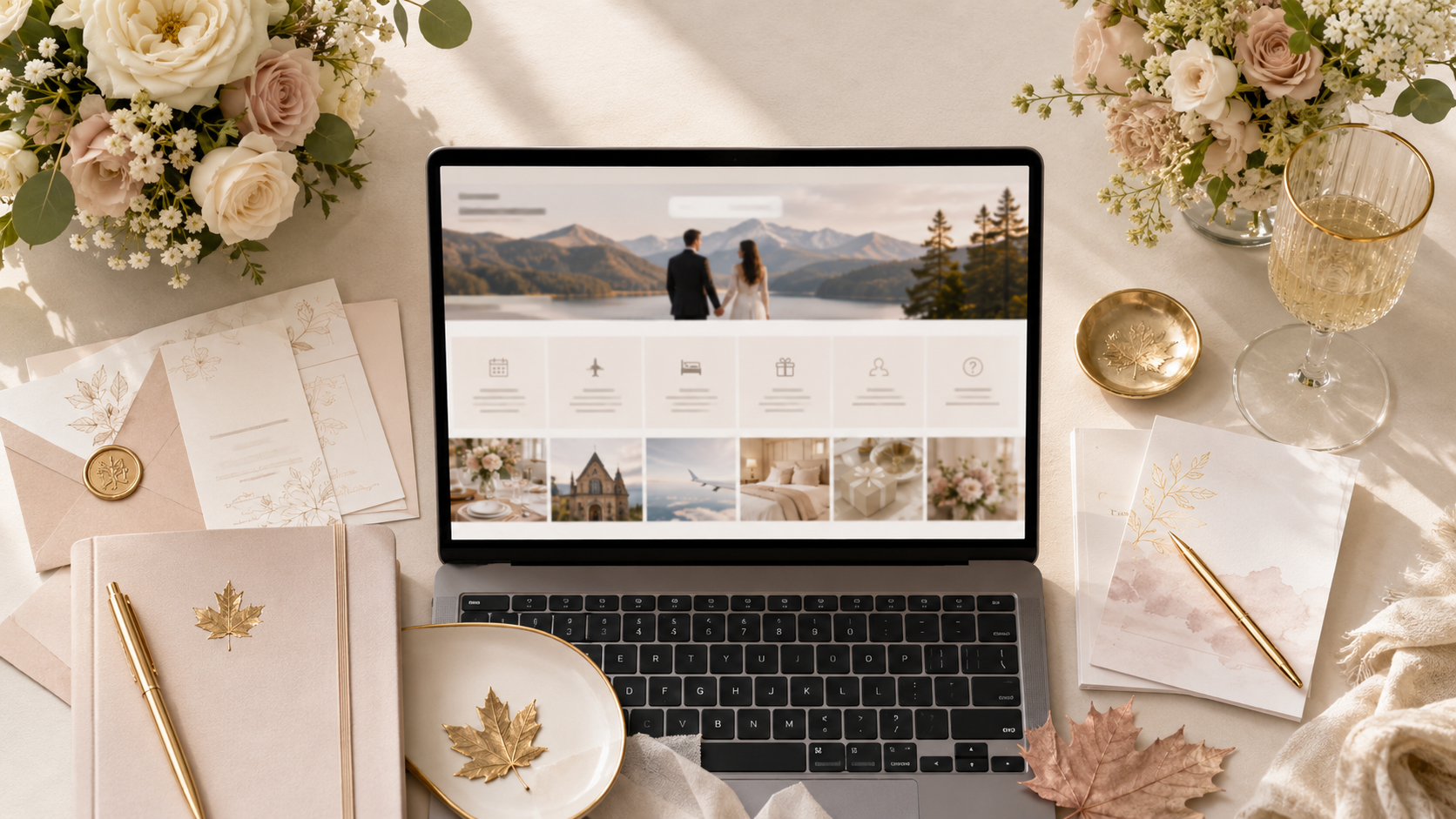
A wedding website sounds simple until you sit down to write it.
You know guests need the date, location, and RSVP link. But then the questions start: Should the registry go on the website? Where do you explain parking? Do you need a full FAQ page? What if some guests speak French? What should you write without making the site feel too formal, too empty, or too much?
For Canadian couples, a wedding website is not just a nice extra. It becomes the place guests check before booking travel, choosing outfits, confirming plus-ones, finding the venue, and submitting their RSVP. It saves you from answering the same questions over and over, and it gives your guests one clear place to go.
Here is exactly what to put on your wedding website, with examples you can copy into your own MapleVow site.
Why your wedding website matters earlier than most couples think
Many couples wait until invitations are ready before building their wedding website. That is usually too late.
Your website becomes useful as soon as you know the basics: your wedding date, city, venue, rough schedule, and RSVP plan. Even if every detail is not final, publishing a simple version early lets guests save the link, plan travel, and understand what to expect.
A good wedding website helps you:
Share details that do not fit nicely on a printed invitation
Collect RSVPs online instead of chasing paper cards
Explain dress code, parking, hotel blocks, and travel
Add registry links without making the invitation feel gift-focused
Give English and French guests the right information
Update everyone if times, locations, or logistics change
Start with the essentials. You can improve the wording later.
If you are starting from scratch, use MapleVow’s wedding website builder to create your site, then connect it to your RSVP page when you are ready.
The core pages every Canadian wedding website should include
You do not need a huge website. You need the right pages.
For most Canadian weddings, these sections are enough:
Website section | What to include |
|---|---|
Welcome | A short greeting, your names, wedding date, and city |
Schedule | Ceremony time, cocktail hour, reception, end time, and any extra events |
Venue and map | Full address, map link, parking, transit, accessibility, and entrance notes |
RSVP | RSVP deadline, who is invited, meal choices, plus-one rules, and contact info |
Travel | Hotel blocks, airports, driving notes, shuttle details, and local tips |
Registry | Gift registry, cash fund, honeymoon fund, or a polite “no gifts” note |
FAQ | Dress code, children, plus-ones, weather, photos, dietary needs, and timing |
Bilingual details | English/French wording for guests who need it |
Contact | Who guests should message if they have a question |
The goal is not to impress guests with a complicated website. The goal is to prevent confusion.
What belongs in the FAQ versus the schedule page
A common mistake is putting everything into the schedule page. That makes guests scroll through too much detail when they only want one answer.
Use the schedule page for anything time-based.
Examples:
Ceremony starts at 4:00 PM
Cocktail hour begins at 5:00 PM
Dinner is served at 6:30 PM
Dancing starts around 9:00 PM
Shuttle leaves the hotel at 3:15 PM
Use the FAQ page for anything question-based.
Examples:
What should I wear?
Can I bring a plus-one?
Are children invited?
Is there parking?
Will the ceremony be indoors or outdoors?
Can I take photos during the ceremony?
What if I have dietary restrictions?
When is the RSVP deadline?
A good rule: if a guest would ask it as a question, put it in the FAQ. If it happens at a specific time, put it in the schedule.
Wedding website FAQ examples you can copy
Here are simple FAQ answers you can paste into your site.
What should I wear?
We recommend semi-formal or cocktail attire. The ceremony and reception will both be indoors, but please bring a light jacket if you plan to step outside for photos or fresh air.
Can I bring a plus-one?
Please check your RSVP form to see who is included with your invitation. If a plus-one is available, it will appear when you RSVP.
Are children invited?
We love your little ones, but our wedding will be adults-only unless children are named on your invitation. Thank you for understanding.
Is there parking at the venue?
Yes, parking is available at the venue. We recommend arriving 20 to 30 minutes early so you have enough time to park and find your seat before the ceremony begins.
What time should guests arrive?
Please arrive 20 to 30 minutes before the ceremony start time. This gives everyone time to settle in before we begin.
Can I take photos during the ceremony?
We kindly ask guests to keep phones away during the ceremony so everyone can be fully present. After the ceremony, we would love for you to take and share photos.
What if I have dietary restrictions?
Please include any dietary restrictions when you submit your RSVP. We will do our best to accommodate allergies and meal needs with our venue.
When is the RSVP deadline?
Please RSVP by [RSVP deadline]. This helps us confirm final numbers with our venue and caterer.
For a Canadian wedding, the FAQ should be practical. Guests are usually looking for travel, weather, driving, parking, dress code, and meal information.
Exactly where to place travel, parking, and hotel information
Travel information should not be buried inside a long FAQ answer. Give it its own section if guests are coming from out of town.
Your travel section can include:
Recommended hotel or hotel block
Booking deadline for discounted rooms
Nearest airport
Driving time from airport to venue
Parking instructions
Transit notes
Shuttle pickup and return times
Local taxi or rideshare notes
Winter driving notes if your wedding is between November and March
For Canadian couples, weather and distance matter. A guest coming from Ottawa to Toronto, Calgary to Banff, or Montreal to Quebec City may need more than just a venue address. They may need to know where to stay, whether they need a car, and how early to arrive.
Travel section example
We are so grateful to everyone travelling to celebrate with us.
Our wedding will take place at [Venue Name] in [City, Province]. For guests staying overnight, we recommend booking near [hotel area or neighbourhood]. A limited hotel block is available at [Hotel Name] until [booking deadline].
Nearest airport: [Airport Name]
Driving time from airport: Approximately [time]
Venue parking: [Free/paid/limited] parking is available at [parking details]
Transit: The closest transit stop is [station/stop name]
Shuttle: If shuttle service is available, pickup details will be posted here closer to the wedding date.
Please check this page again before travelling in case any timing or transportation details change.
How to handle gifts and registry links without making the site feel transactional
Your registry belongs on your wedding website, not on the main invitation.
That keeps the invitation focused on the celebration while still giving guests an easy place to find gift information if they want it.
Keep the wording warm and low-pressure. Do not over-explain. Do not make the registry the first thing guests see. Put it after the schedule, travel, and RSVP details.
Registry wording example
Your presence at our wedding is the greatest gift. If you would like to celebrate with a gift, we have included our registry details below.
[Add registry links]
Thank you for your love, support, and for celebrating this next chapter with us.
Cash fund wording example
Your presence means the most to us. If you would like to give a gift, we would be grateful for a contribution toward our honeymoon and future home.
[Add cash fund or registry link]
With love and appreciation,
[Couple names]
No gifts wording example
We are lucky to have everything we need. Please do not feel any pressure to bring a gift. Celebrating with you is more than enough.
If MapleVow’s registry feature is enabled for your wedding, keep the registry page simple: a short note, clear links, and no pressure.
What to translate for English and French guest groups
For a bilingual English-French wedding in Canada, you do not need to translate every poetic sentence. You do need to translate anything guests rely on to make decisions.
Prioritize translating:
RSVP instructions
RSVP deadline
Venue address
Schedule
Dress code
Meal and dietary questions
Plus-one instructions
Parking and travel notes
Hotel block information
Important FAQ answers
Contact instructions
You can leave some personal content, like your full love story, in one language if most guests understand it. But anything action-based should be available in both English and French.
English/French RSVP note example
English:
Please RSVP by [date] so we can confirm final numbers with our venue. If you have any dietary restrictions, include them when submitting your response.
French:
Veuillez répondre avant le [date] afin que nous puissions confirmer le nombre final d’invités avec notre salle. Si vous avez des restrictions alimentaires, veuillez les indiquer dans votre réponse.
English/French dress code example
English:
Dress code: Cocktail attire. The ceremony and reception will be indoors.
French:
Tenue vestimentaire : tenue cocktail. La cérémonie et la réception auront lieu à l’intérieur.
If your guest list includes both English and French speakers, MapleVow’s bilingual wedding tools can help you keep the experience cleaner than stacking both languages into one long page. You can also read our guide on planning a bilingual English-French wedding in Canada.
A copy-and-paste wedding website content template
Use this as a starting point. Replace the bracketed sections with your own details.
Welcome
Welcome to our wedding website. We are so excited to celebrate with you on [wedding date] in [city, province].
Here you will find our schedule, venue details, travel notes, RSVP information, registry links, and answers to common questions. Please check back closer to the wedding day for any updates.
We cannot wait to celebrate with you.
With love,
[Couple names]
Schedule
Ceremony
[Time]
[Venue name]
[Venue address]
Cocktail Hour
[Time]
[Location if different]
Reception
[Time]
[Venue name or reception space]
Dinner
[Time]
Dancing
[Time]
Last Call / Send-Off
[Time, if known]
Please arrive at least 20 to 30 minutes before the ceremony begins.
Venue
Our ceremony and reception will take place at:
[Venue Name]
[Full Address]
[City, Province, Postal Code]
Parking: [Parking details]
Entrance: [Entrance instructions]
Accessibility: [Accessibility notes]
Map: [Google Maps link]
RSVP
Please RSVP by [RSVP deadline].
When you RSVP, you will be able to confirm attendance, choose your meal if needed, note dietary restrictions, and confirm any guests included with your invitation.
If you need to update your RSVP after submitting it, please contact us at [email or phone number].
You can also use MapleVow’s Wedding RSVP Canada tools to collect responses, meal choices, plus-one details, and guest notes in one place.
Travel and Hotels
For guests travelling from out of town, we recommend staying near [area/hotel/neighbourhood].
Hotel block: [Hotel name]
Booking deadline: [Date]
Booking link or code: [Details]
Nearest airport: [Airport name]
Driving time to venue: Approximately [time]
Parking: [Details]
Shuttle: [Details if available]
We will update this section if any travel details change.
Registry
Your presence at our wedding is the greatest gift. If you would like to celebrate with a gift, our registry details are available below.
[Registry link 1]
[Registry link 2]
[Cash fund or honeymoon fund link, if applicable]
Thank you for celebrating with us.
FAQ
What should I wear?
[Add dress code answer]
Can I bring a plus-one?
[Explain that guests should check their RSVP form]
Are children invited?
[Add children wording]
Is there parking?
[Add parking details]
What time should I arrive?
[Add arrival timing]
Can I take photos?
[Add ceremony/photo preference]
What if I have dietary restrictions?
[Explain how to submit dietary needs]
Who should I contact with questions?
[Add contact person]
How to publish and test your wedding website before sending invites
Before you share your wedding website with guests, test it like a guest would.
Go through this checklist:
Open the website on your phone
Check that the date, time, and venue address are correct
Click every map, registry, hotel, and RSVP link
Submit a test RSVP
Confirm meal choices and dietary fields work
Check that plus-one rules are correct
Review the site in English and French if using both languages
Ask your partner to read the FAQ
Send the link to one trusted family member before sending it to everyone
Do not skip mobile testing. Most guests will open your wedding website from a phone, often while travelling, sitting in a car, or checking the invitation at the last minute.
The easiest way to build it
The best wedding website is not the one with the most pages. It is the one that answers guest questions clearly.
Start with your schedule, venue, RSVP deadline, travel notes, registry, and FAQ. Add bilingual details if your guests need English and French. Then test the site before sending your invitations.
With MapleVow, you can create your free Canadian wedding website, connect your RSVP form, share travel and registry details, and keep guest information organized in one place.
Create your free MapleVow wedding website, explore Wedding RSVP Canada, or review pricing if you want more planning tools. If you prefer help setting everything up, use Professional Setup and let MapleVow build the site with you.