
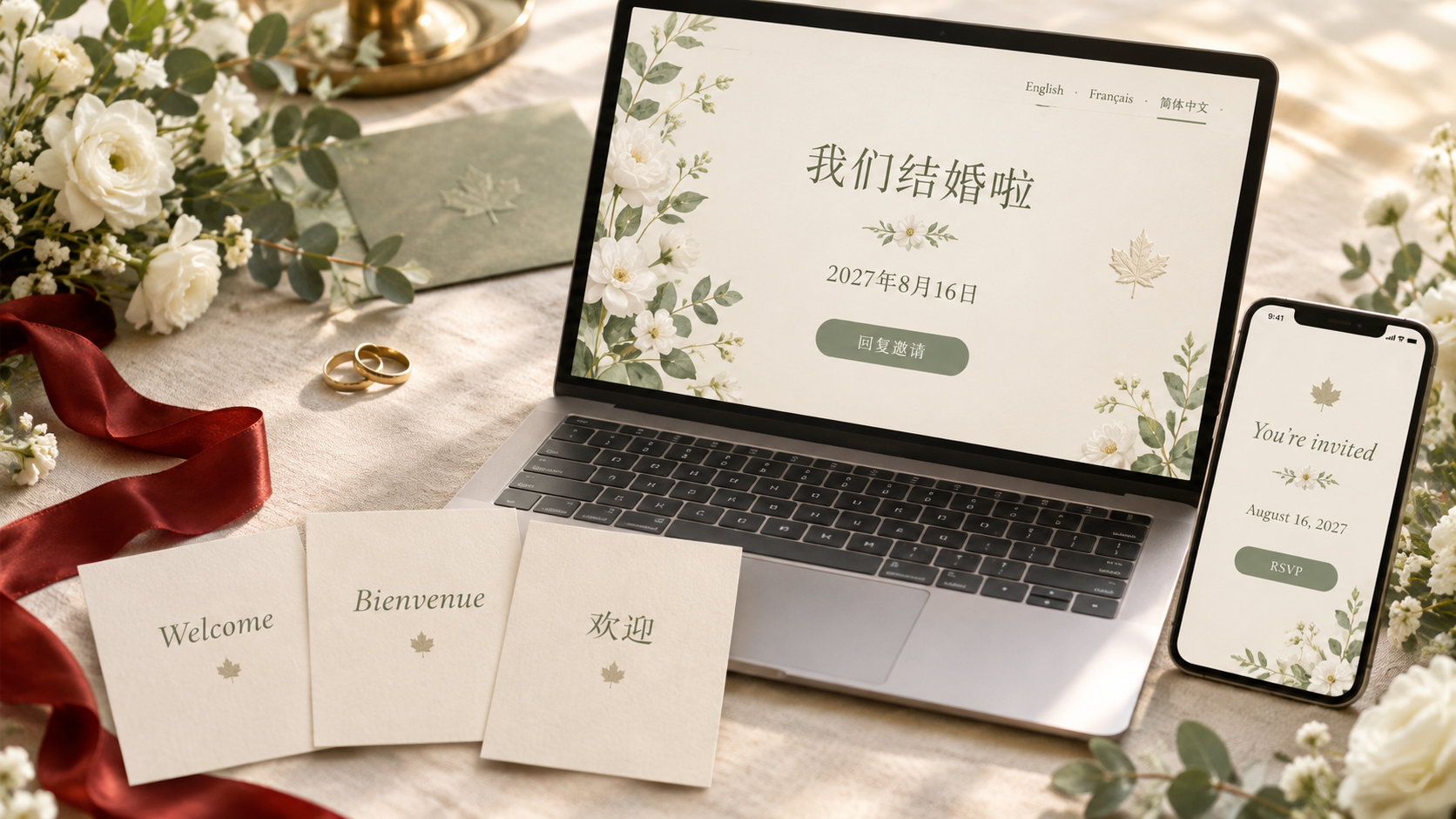
Many Canadian weddings bring together families who are most at home in different languages. The couple plans in English, one set of parents reads French, and grandparents and relatives in Vancouver, Toronto, Markham, Richmond or overseas read Chinese far more comfortably than either. Until now, that usually meant a second website, a translated PDF, or a cousin answering RSVPs on everyone's behalf.
Today MapleVow is fully available in Simplified Chinese (简体中文), next to English and French. Couples can plan their whole wedding in Chinese, and every guest can read your wedding website, RSVP form and wedding emails in the language they choose.
What is available in Chinese
For your guests
Wedding website. Your story, schedule, travel details, FAQ and registry links, with all of MapleVow's own wording in Chinese.
RSVP form. Guests find their invitation, answer for their party, choose meals and leave notes in Chinese.
Wedding emails. Invitation, reminder and RSVP confirmation emails all have Chinese versions.
Event names. Give each event a Chinese name as well, for example 茶礼 (tea ceremony) or 婚宴 (banquet), so the schedule reads naturally in each language.
Text messages. SMS invitations and reminders can go out in Chinese. Chinese characters use Unicode, so each SMS segment holds 70 characters instead of 160. The message counter shows exactly how many credits a message will use before you send it.
For you and your planner
The dashboard. Guest list, seating chart, budget, timeline, website builder and settings are all in Chinese. Switch at any time from the Language menu in the dashboard.
The MapleVow website. Our pricing, guides, budget calculator, vendor directory and this blog are available at maplevow.ca/zh.
Each person picks their own language. You can plan in English while your mother-in-law RSVPs in Chinese and your Montréal friends read the site in French.
Bilingual and trilingual wedding websites
A bilingual wedding website should not mean writing everything twice. On MapleVow you choose your guest languages once, in your wedding details: English, French, Chinese, or any combination of the three.
With one language, guests simply see your site in it.
With two or three, guests see a small language menu at the top of your website and RSVP page and pick their own.
Your website and RSVP only offer the languages you chose. A Chinese-and-English wedding will not show French to guests.
This makes a Chinese-English wedding website, a French-Chinese one, or a full trilingual wedding website for Canadian families a few clicks instead of a weekend of copy and paste.
Why we built it
Mandarin and Cantonese are among the languages most often spoken at home in Canada. For many couples, the guests who matter most, often parents and grandparents, are the least comfortable with an English-only RSVP. A wedding website they cannot read means phone calls, guesses and RSVPs collected by hand.
MapleVow was built and is hosted in Canada, priced in Canadian dollars, and has supported English and French guests from the start. Adding Chinese is the next step in making one wedding website work for the whole family.
How to turn on Chinese for your wedding
Sign in to MapleVow, or start for free.
Open your wedding and choose Edit wedding details.
Under Guest languages, tick 简体中文 along with any other languages your guests read.
Save. Your website, RSVP form and guest emails now offer Chinese.
Optional: open Language in the dashboard menu and choose 简体中文 to plan in Chinese yourself.
Every language is included on every plan, including the free one. There is no add-on to buy.
Good to know
Simplified Chinese. This release uses Simplified Chinese (简体中文). Traditional Chinese is not available yet.
Your own words stay yours. MapleVow translates its own buttons, labels and messages. Text you write yourself, such as your story or a custom FAQ answer, is shown as you wrote it, so write it in the language or languages your guests read.
Old links keep working. Links you have already shared do not change. Guests simply see a language menu if you choose more than one language.
Frequently asked questions
Can guests switch languages themselves?Yes. When your wedding has more than one guest language, a language menu appears at the top of your website and RSVP page. Each guest's choice is remembered on their device.
Is Chinese support free?Yes. Every guest language, and the Chinese dashboard, is included on every MapleVow plan, including the free Promise plan.
Do Chinese text messages cost more?Each Chinese SMS segment holds 70 characters instead of 160, so a long Chinese message can use more SMS credits than the same message in English. The counter shows the exact number before you send.
Can I have English, French and Chinese on the same wedding?Yes. Tick all three under Guest languages and each guest chooses their own.
Ready to send one wedding website your whole family can read? Start free on MapleVow and add Chinese in your wedding details.